
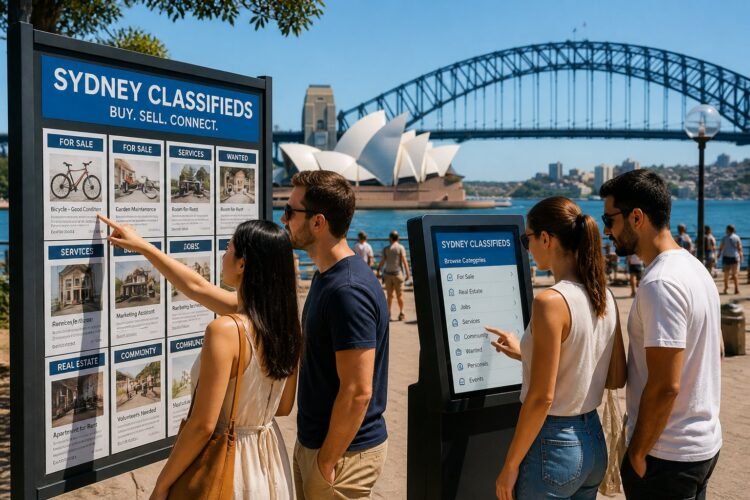
Classified ads Sydney Australia help you find local buyers, sellers, services, and jobs across Sydney quickly by using the city’s many classified ad platforms — from community sites to large marketplaces — to match what you need with what’s available. Use targeted categories, clear photos, and precise locations to connect with serious local responders fast.

This article guides your next steps: where to post, how to craft listings that sell, which categories move fastest in Sydney, and what local rules and safety practices to follow so you avoid common pitfalls. You’ll also learn how to boost visibility and spot emerging trends that keep your listings competitive.
Navigating Classified Ads Sydney Platforms
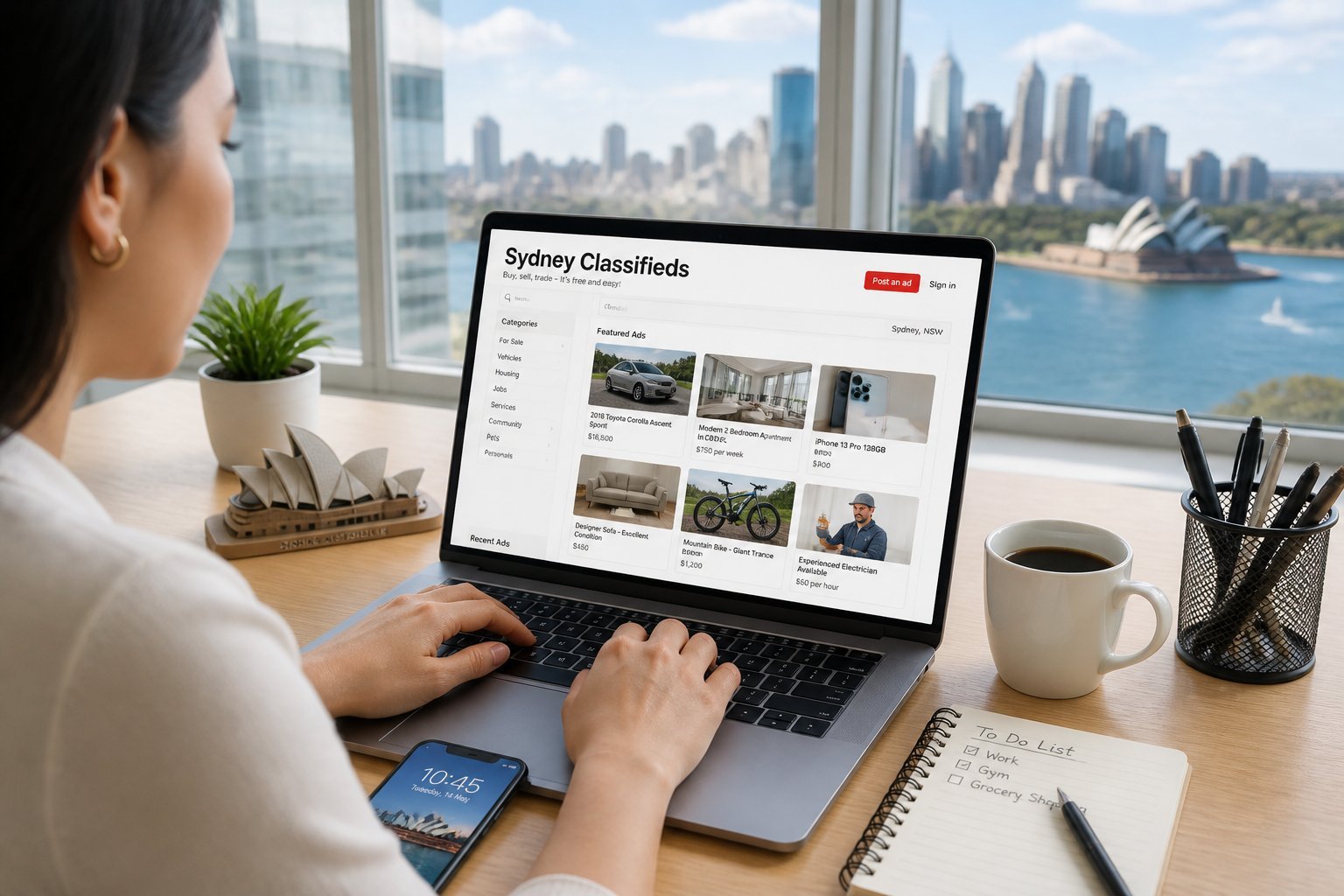
You’ll want to focus on high-traffic sites, mobile convenience, and tools that verify users and listings. Prioritize platforms that match what you’re selling or searching for, and use built-in safety and filtering features.
Major Websites for Listings
Gumtree and Facebook Marketplace dominate general goods and local services in Sydney; they handle vehicles, furniture, and rentals effectively. Use Gumtree for category-specific filters (price, suburb, condition) and long-standing classifieds like Findit for lower-volume, niche listings.
Specialist sites matter too: property portals or job boards give you sector-specific search tools and clearer legal or payment guidance. Check posting fees and prominence options—paid boosts increase visibility but weigh cost against expected reach.
When evaluating a site, look at listing age, number of enquiries, and the platform’s dispute or reporting process. Save searches and set alerts so you don’t miss new, relevant ads.
Mobile Apps for Classifieds
Install official apps for faster listing creation, image uploads, and push notifications. Facebook Marketplace and Gumtree apps let you reply quickly, edit listings, and manage multiple chats from your phone.
Enable location services to match local buyers and use in-app filters to narrow results by suburb, price, or condition. Use camera features to take multiple clear photos and add captions that highlight dimensions, defects, and included accessories.
Keep app permissions minimal—grant storage and camera access, but avoid unnecessary access to contacts unless it improves your workflow. Update apps regularly to get security patches and new selling features.
User Verification and Security Tools
Verify buyer/seller profiles before meeting: check account age, number of listings, and profile photos. Platforms often display badges or verified indicators; treat those as positive signals but still confirm details in chat.
Use platform messaging rather than personal email or phone until you trust the contact. For payments, prefer traceable methods: bank transfers, platform-managed payments, or PayPal Goods & Services. Avoid cash-only deals for high-value items unless you meet in a safe, public location.
Report suspicious activity immediately and keep a screenshot record of the listing and conversation. If you arrange an in-person exchange, choose well-lit, public areas like police stations’ designated meeting points when available.
Buying and Selling Essentials

You’ll learn how to create listings that attract buyers, negotiate securely, and choose payment methods that protect you. The guidance focuses on clear photos, accurate descriptions, safe meeting practices, and practical payment options.
Posting Effective Listings
Use high-quality photos: include at least 4 images showing different angles, close-ups of flaws, and serial numbers if relevant. Shoot in daylight against a neutral background to reduce follow-up questions.
Write a precise title and a factual description. State brand, model, year, condition, dimensions, and included accessories. Note exact pick-up location or whether you offer delivery; specify collection times to reduce wasted enquiries.
Set a realistic price by checking similar listings on Gumtree, Facebook Marketplace, and local classifieds. Offer a brief negotiation margin (e.g., “$200 or nearest offer”) and mention any warranty, returns, or cleaning you’ve done.
Use clear tags and the proper category so search filters pick up your ad. Renew or bump listings when interest slows; refresh photos or lower price incrementally rather than repeatedly reposting identical content.
Negotiating Safely
Respond quickly but verify seriousness before giving personal details. Ask buyers to confirm full name, phone number, and whether they will pay cash or use another method.
Prefer public, well-lit meeting spots such as police stations or busy cafe car parks for exchanges. If the item is bulky, offer to meet near a secure location at an agreed time; bring a friend if possible.
Watch for common scams: overpayment with fake bank transfers, requests to ship before payment, or third-party escrow offers you didn’t request. If payment seems irregular, pause the sale and verify via your bank or a trusted payment app.
Keep messages on the marketplace platform until you complete the sale. Save screenshots of the ad, conversations, and buyer ID if possible. If a deal feels risky, trust your instincts and cancel.
Payment Methods and Best Practices
Cash is simplest for in-person exchanges; count notes in front of the buyer and use a banknote detector if you have one. Insist on exact change or, if accepting large amounts, meet at a bank branch so the buyer can withdraw and you can deposit immediately.
For digital payments, use bank transfers (Osko/PayID) for instant, traceable settlement. Confirm funds have cleared in your bank app before handing over the item; don’t rely on screenshots of transfers.
Avoid cheques and unfamiliar escrow services. If using PayPal or other platforms, choose “Friends and Family” only when you fully trust the payer; otherwise use goods/services and accept the fee for buyer/seller protections and clear dispute records.
Record the transaction: create a simple receipt showing item, price, date, buyer and seller names, and method of payment. Keep receipts and messages for at least 30 days in case of disputes.
Popular Categories in Sydney
You’ll find listings that match common city needs: housing options across suburbs, a steady flow of local job postings, and a broad selection of used and new vehicles. Each category has its own search patterns, price ranges, and negotiation norms.
Property and Real Estate
You can search for rentals, shared rooms, and properties for sale across Sydney suburbs like Inner West, Northern Beaches, or Western Sydney. Filters you should use: suburb, price range, lease length, and whether bills are included. Expect higher rents near CBD and beaches; checking transport links and council rates helps you compare value.
Use photos, floor plans, and bond/inspection details to screen listings quickly. When contacting landlords or agents, ask about minimum lease terms, pet policies, and expected move-in costs. If you’re buying, look for recent sale prices in the same street and any strata fees for units.
Jobs and Employment
You’ll find both full-time roles and short-term gigs in sectors strong in Sydney: healthcare, education, professional services, hospitality, and construction. Key filters: contract type, industry, salary range, and required qualifications. Remote-friendly roles appear but still tend to list an office suburb or occasional in-person requirement.
Craft messages that state your availability, right to work in Australia, and any relevant certifications (e.g., RSA for hospitality, white card for construction). For shift or casual work, highlight local availability and past similar roles. Beware of scams: avoid listings asking for upfront fees or that provide poor contact details.
Cars and Automotive
Listings range from city commuters and compact hatchbacks to SUVs and tradesman utes, often grouped by make, model year, and odometer range. Important checks: service history, registration expiry, roadworthy (RWC) status, and any finance owing. Use the VIN or plate to confirm the vehicle’s history when possible.
When inspecting, test drive on local roads and check for rust and suspension noise. Negotiate based on comparable local listings and recent sales — prices vary by suburb and demand. For private sales, complete a transfer of ownership through your state’s RMS/Service NSW and get a written receipt.
Local Regulations and Guidelines
You must follow Australian Consumer Law, state rules, and platform policies when placing classified ads in Sydney. Pay attention to required disclosures, proof for claims, and strict bans on certain goods and services.
Legal Compliance Issues
You must not make false or misleading claims about a product’s origin, condition, or performance. Keep receipts, test reports, or manufacturer documentation ready to substantiate claims like “genuine,” “new,” or specific mileage/usage figures. If you sell food, vehicles, or second‑hand electrical goods, you must meet safety and labeling rules under NSW and federal law.
Include clear pricing, delivery and refund terms in the ad. If you offer warranties or guarantees, state their duration and any exclusions. Avoid using deceptive promotional tactics such as bait advertising, hidden fees, or false scarcity claims, which can trigger ACCC enforcement or Ad Standards complaints.
Restricted Items and Prohibited Products
Sydney follows national bans and state restrictions on items such as firearms, certain knives, illegal drugs, endangered wildlife, and unclassified adult material. You need licences to advertise firearms or restricted chemical supplies; proof of licence must be available on request. Tickets for regulated events and prescription medications cannot be sold via general classified listings.
Platforms often prohibit the sale of recalled products, counterfeit goods, and services that require professional accreditation unless you display valid credentials. Use clear category tags and select restricted‑item filters when relevant to avoid removal or penalties.
Promoting Listings for Better Visibility
Use targeted spending and precise copy to get more eyeballs on your Sydney listings. Focus on platforms where your buyers shop, and craft titles and descriptions that match local search habits and buyer expectations.
Paid Advertising Options
Paid boosts on Gumtree, Facebook Marketplace, and Instagram are common in Sydney; each lets you set daily budgets and geographic targeting down to suburbs. Choose ad types: sponsored listings (promotes within classifieds), social ads (feed and story placements), and search boosts (appear at top of category results).
Set a clear objective — traffic, calls, or messages — and pick KPIs like cost per click or leads per day. Start with small budgets (A$5–20/day) to test creatives and audiences, then scale winning combos. Use geo-targeting to include specific LGA or postcodes if you sell locally, and schedule ads for peak times: evenings and weekend mornings often perform best.
Track performance with UTM tags and platform analytics. Pause underperforming ads, tweak headlines or images, and reallocate budget to ads achieving your target CPA.
Optimizing Titles and Descriptions
Lead with the most relevant facts in the title: item type, brand, condition, and suburb (e.g., “IKEA Bjursta Table — Excellent — Inner West”). Keep titles under 60 characters to avoid truncation on mobile search results.
Structure descriptions with short paragraphs or bullet lists. First 1–2 lines should include price, condition, and what sets the item apart. Follow with key specs, dimensions, pickup/delivery options, and payment methods. Include exact suburb and nearby transport points to improve local searches.
Use 3–5 high-quality photos: main image with clear lighting and neutral background, plus close-ups of flaws or unique features. Add 4–6 searchable keywords naturally through the text (brand, model, colour, condition, suburb). Avoid clickbait and vague language; accuracy reduces time-wasting enquiries.
Community Standards and Safety
You must verify listings, protect your personal information, and report anything that seems fraudulent or dangerous. Follow platform rules, use secure payment methods, and keep records of communications.
Reporting Suspicious Activity
If a listing or user seems dishonest, stop communication and preserve evidence: save messages, screenshots, listing URLs, payment receipts, and user profiles. Most Australian classified platforms and regulators accept reports; use the site’s “report” button first, then escalate to NSW Fair Trading or the ACCC if money or safety is at risk.
Report details to include:
- Exact listing URL and date/time you viewed it.
- User handle, contact details provided, and any IP/location clues.
- Copies of chat logs, emails, and transaction records.
For urgent threats or violence, call emergency services. For scams involving money, contact your bank immediately to attempt a recall and report to Scamwatch.
Tips for Avoiding Scams
Verify the seller or buyer before committing: check other listings on their account, search their profile name online, and request ID when reasonable. Always meet in public, well-lit places during daytime; bring a friend and choose locations with CCTV such as police stations or shopping centres.
Use secure payment methods and avoid unconventional requests:
- Prefer card payments, bank transfers to verified business accounts, or escrow services.
- Avoid wire transfers, gift cards, cryptocurrency, or payment before seeing the item.
Inspect items thoroughly and test electronics before paying. Confirm serial numbers and receipts for high-value goods. If a price seems too good or the seller pressures you to act immediately, step back and verify independently.
Emerging Trends in Classifieds
Expect stronger emphasis on sustainability in listings and deeper blending of classifieds with social platforms to reach buyers where they already spend time.
Green and Sustainable Listings
You’ll see more sellers highlighting eco attributes like “upcycled,” “solar-ready,” or “low-VOC” in item descriptions and property ads. For furniture and appliances, include materials, refurbishment history, and any energy ratings to increase trust and search relevance.
Platforms are adding filters for circular-economy categories—repairable, refurbished, or reusable—so tag items accordingly. Offer explicit pickup or local delivery options to cut transport emissions; buyers in Sydney often prefer same-suburb handovers.
If you run a small business, list waste-reduction practices (packaging-free, reclaimed materials) and attach photos of condition and provenance. Clear, measurable claims (year refurbished, energy star rating) reduce disputes and improve conversion.
Integration with Social Media
You can syndicate listings directly to Facebook Marketplace, Instagram Shops, and community groups to multiply visibility with minimal extra effort. Use platform-native formats: short video clips or carousel posts perform better than single photos on Instagram.
Leverage messenger integration for real-time inquiries; set quick replies with price, location, and condition to speed sales. Tag suburb and relevant hashtags (e.g., #SydneyBuySell, #InnerWestFinds) to surface listings in local searches.
Consider paid boosts targeted by postcode and interest to reach buyers in high-demand suburbs. Track click-throughs and messages per channel to decide which social outlet returns the best leads for your category.
